Clear Speaker
Publisher Description

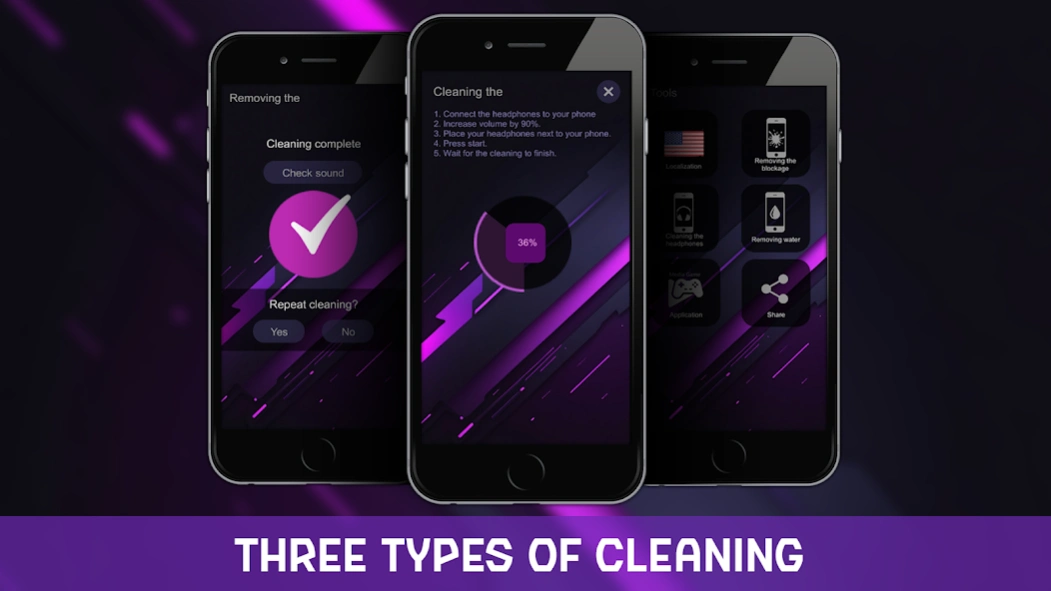

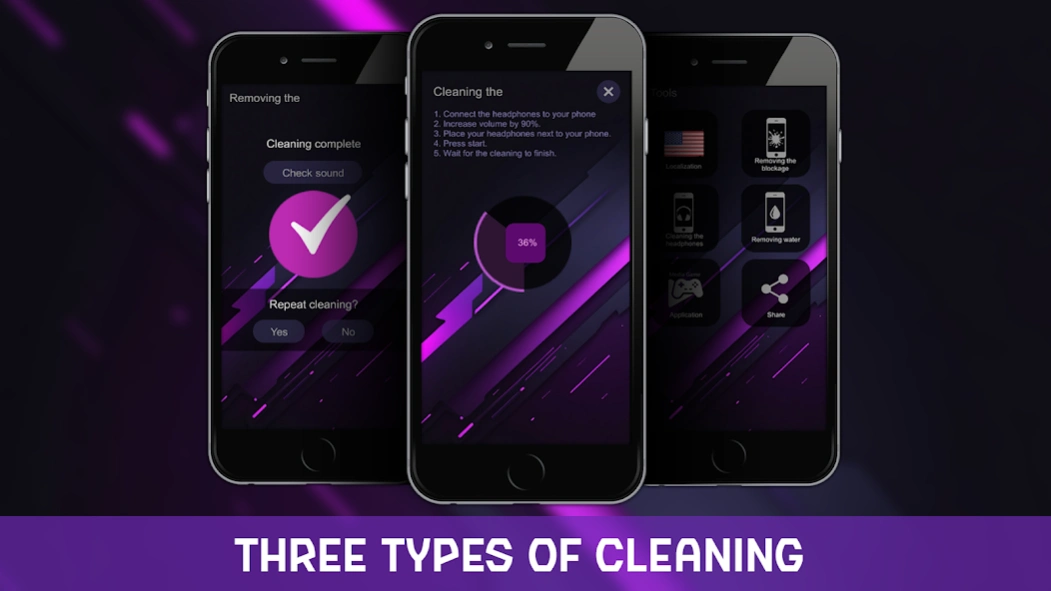
Clean your phone speaker and headphones from water, dust, and dirt.
Cleaning the phone speaker and headphones from water will be needed if your gadget briefly temporarily dropped the input and flooded the speaker holes. To clean the speaker from water, launch the app and press start. The whole procedure will take a little more than a minute.
Removing water from the speakers is a necessary procedure after the mobile phone interacts with water. After all, water in the loudspeaker will degrade the sound of the device, and can also penetrate the board with chips. Therefore, the speaker should be purged as soon as possible after contact with water.
It is not difficult to remove water that has gotten into the speaker. Cleaning takes place in automatic mode, it is enough to run the cleaning. At the same time, the dust and dirt cleaner works in the same way.
A clean speaker can be dried by blowing out dust by oscillating the diaphragm of the earpiece speaker. Use our free English app to clean your microphone.
If you drop the phone in water, then the repair of the upper speaker using the "drying" method should be done immediately. Cleaning is essential.
By the way, cleaning the microphone from dust can be done for preventive purposes. You don't need anything to clean it except the phone itself and the app.
Pulling out or kicking out the water in your phone is not difficult at all. To remove the liquid, you need to knock it out with sound waves of a special range.
Pumping out the trapped moisture is a mandatory process for repairs. It is necessary to push out the water in a timely manner. Cleaning your speakers is important! Restore the normal sound of your device!
About Clear Speaker
The company that develops Clear Speaker is Media_Game. The latest version released by its developer is 1.0 .
To install Clear Speaker on your Android device, just click the green Continue To App button above to start the installation process. The app is listed on our website since 2024-06-28 and was downloaded 2 times. We have already checked if the download link is safe, however for your own protection we recommend that you scan the downloaded app with your antivirus. Your antivirus may detect the Clear Speaker as malware as malware if the download link to com.CleaningSpeaker is broken.
How to install Clear Speaker on your Android device:
- Click on the Continue To App button on our website. This will redirect you to Google Play.
- Once the Clear Speaker is shown in the Google Play listing of your Android device, you can start its download and installation. Tap on the Install button located below the search bar and to the right of the app icon.
- A pop-up window with the permissions required by Clear Speaker will be shown. Click on Accept to continue the process.
- Clear Speaker will be downloaded onto your device, displaying a progress. Once the download completes, the installation will start and you'll get a notification after the installation is finished.
